Recommended Building Mods
These are optional building mods that work well on HeartSMP.
We support the mods listed here & many other ones - for setup, keybinds, and advanced usage, please check each mod’s documentation (and their Discord/YouTube guides).
These are client mods. They don’t give you “extra permissions” on the server - they improve your building workflow and visuals.
✅ In every Creative gamemode except Axiom, because it's just client mode
🧱 Axiom
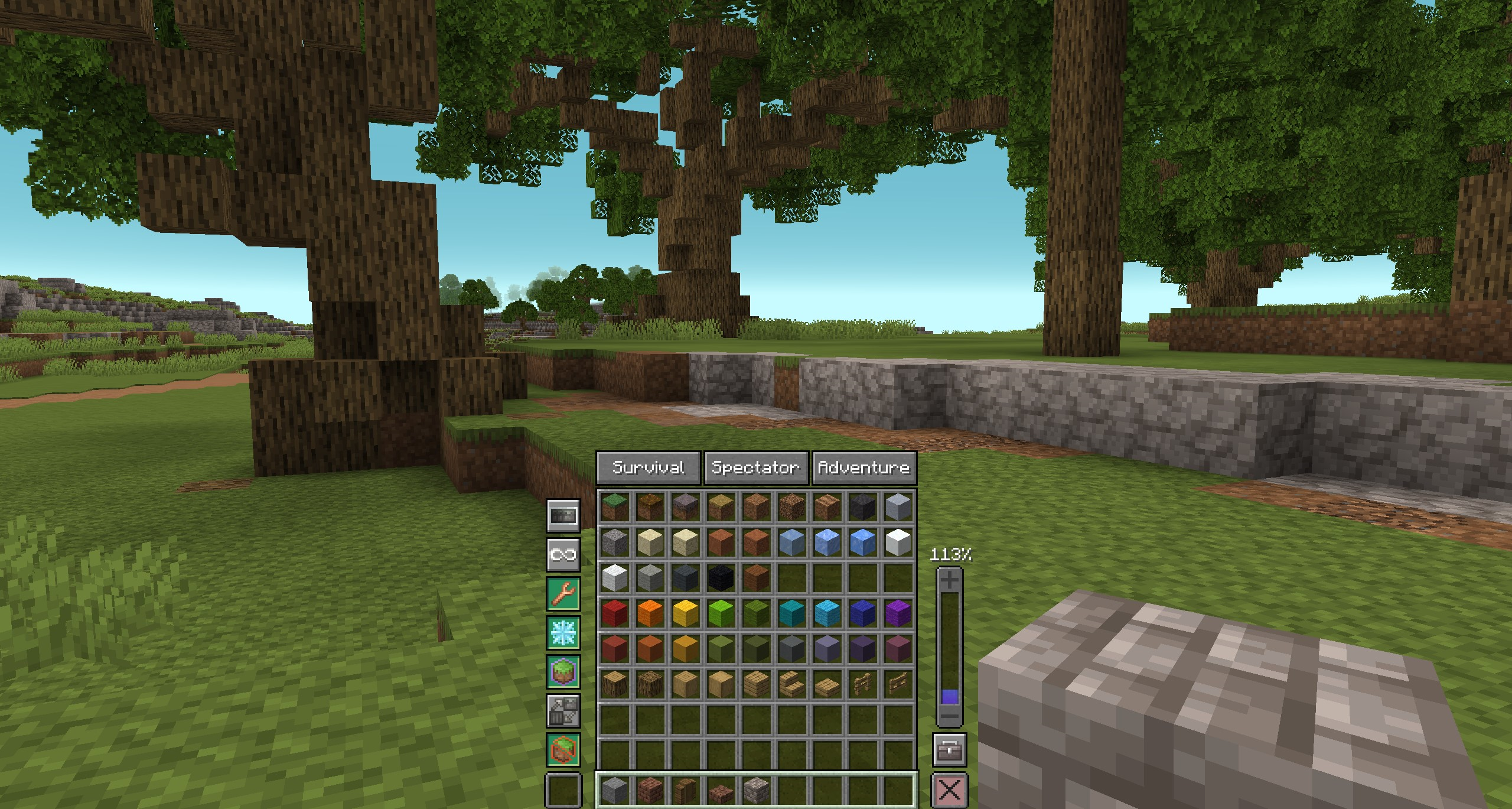
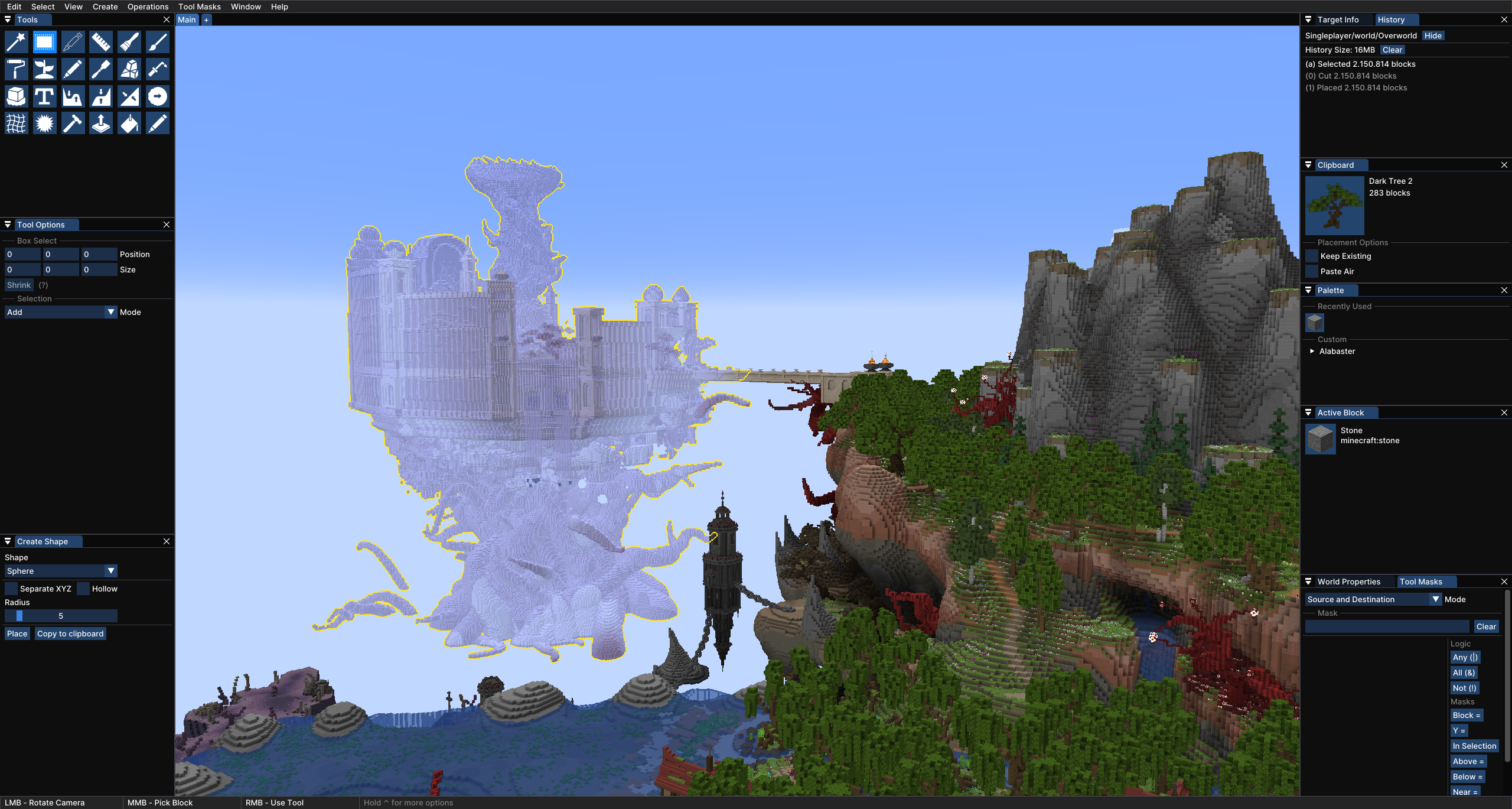
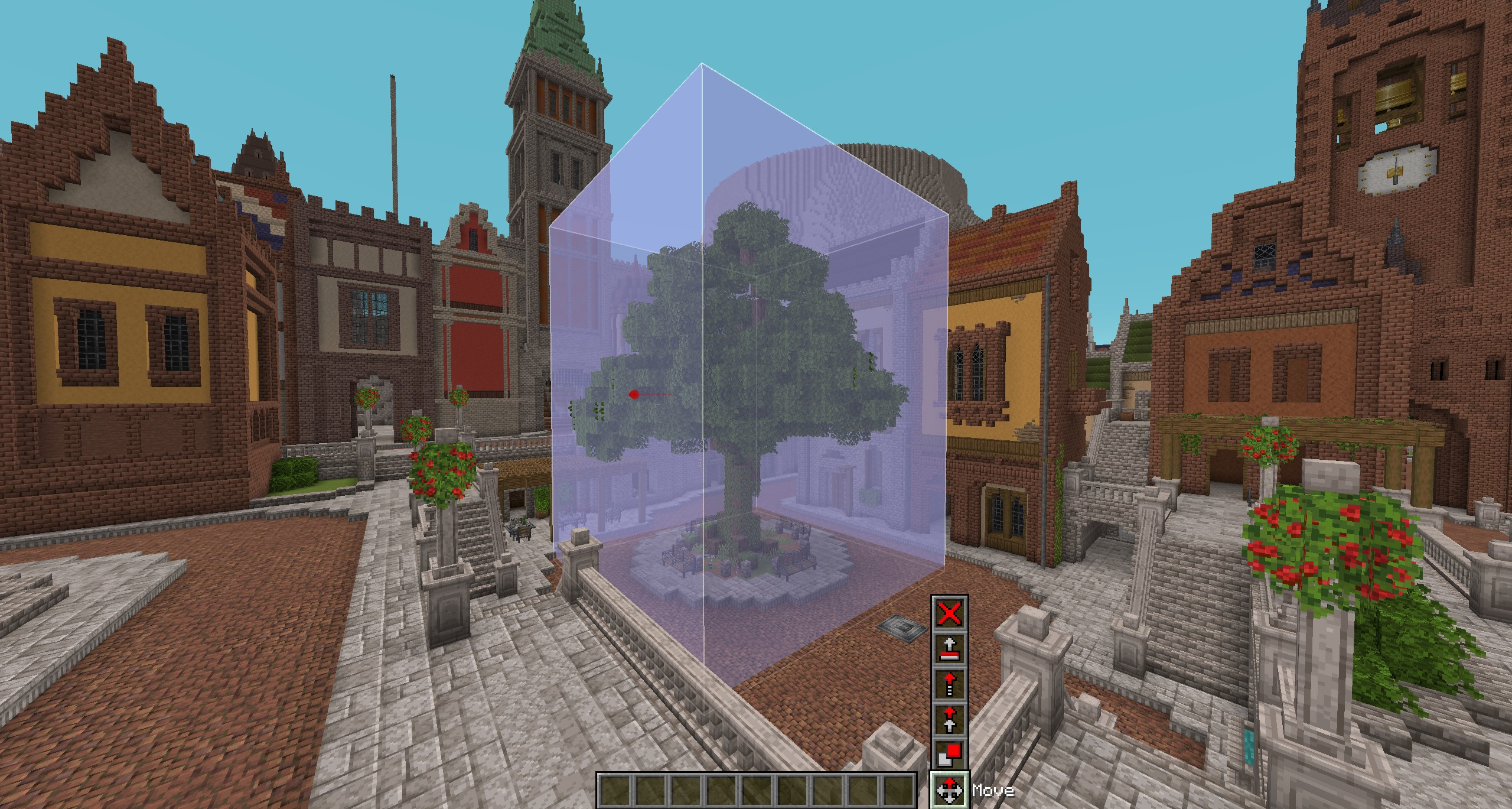
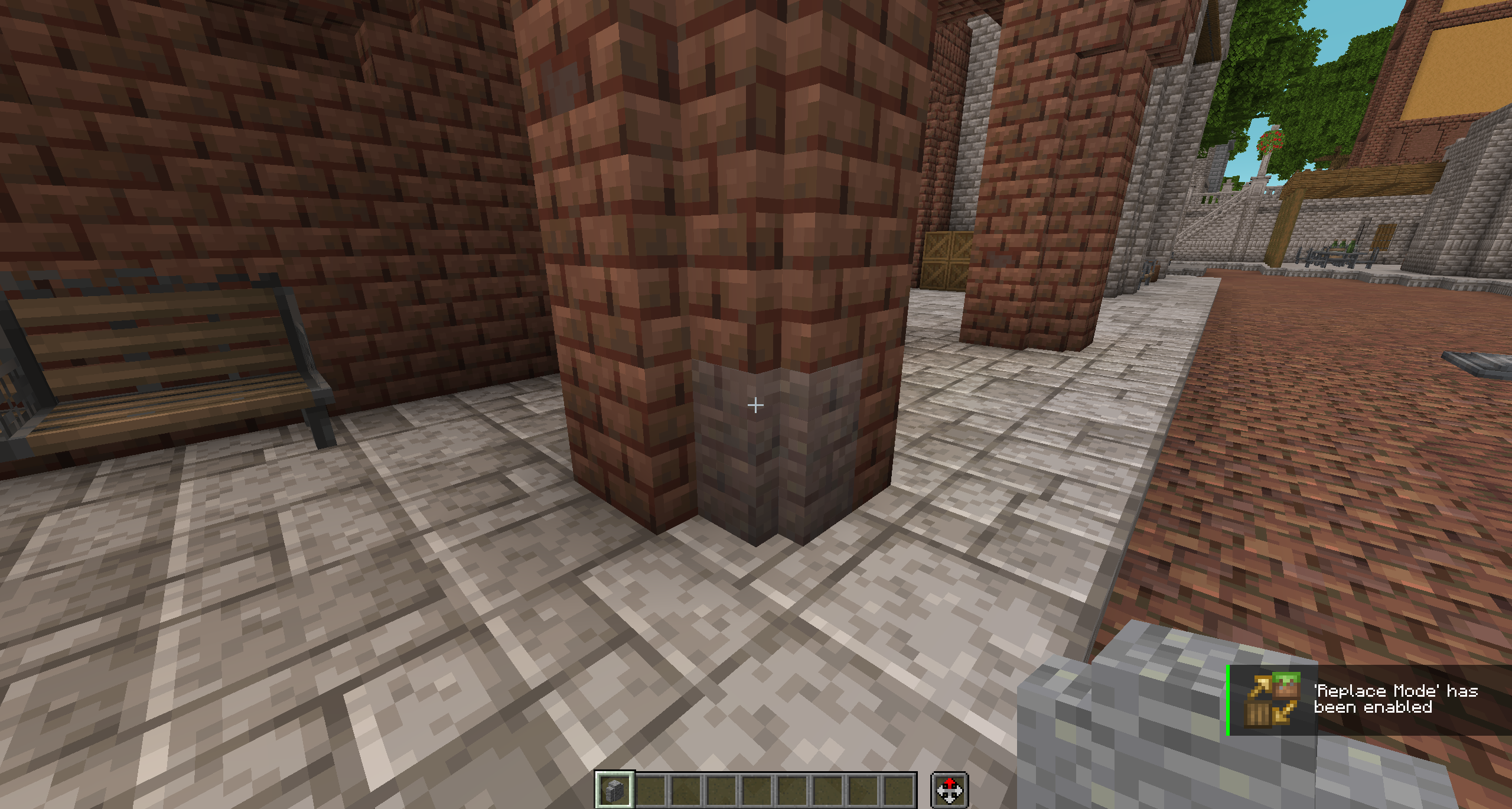
Axiom is an all-in-one building / editing toolkit with Builder Mode + Editor Mode, designed to make large-scale building faster and easier (selection tools, editing workflows, etc.).
✅ Everywhere in Creative Anarchy Gamemode
✅ In Own Worlds Gamemode except /play mode (use /build mode to use it)
✅ In Plot World on own plots or there where you are added
❌ Not in Claim World
Supports: Fabric
Docs: Axiom documentation
Mod download: Modrinth
Showcase
Video guide
🧩 Litematica
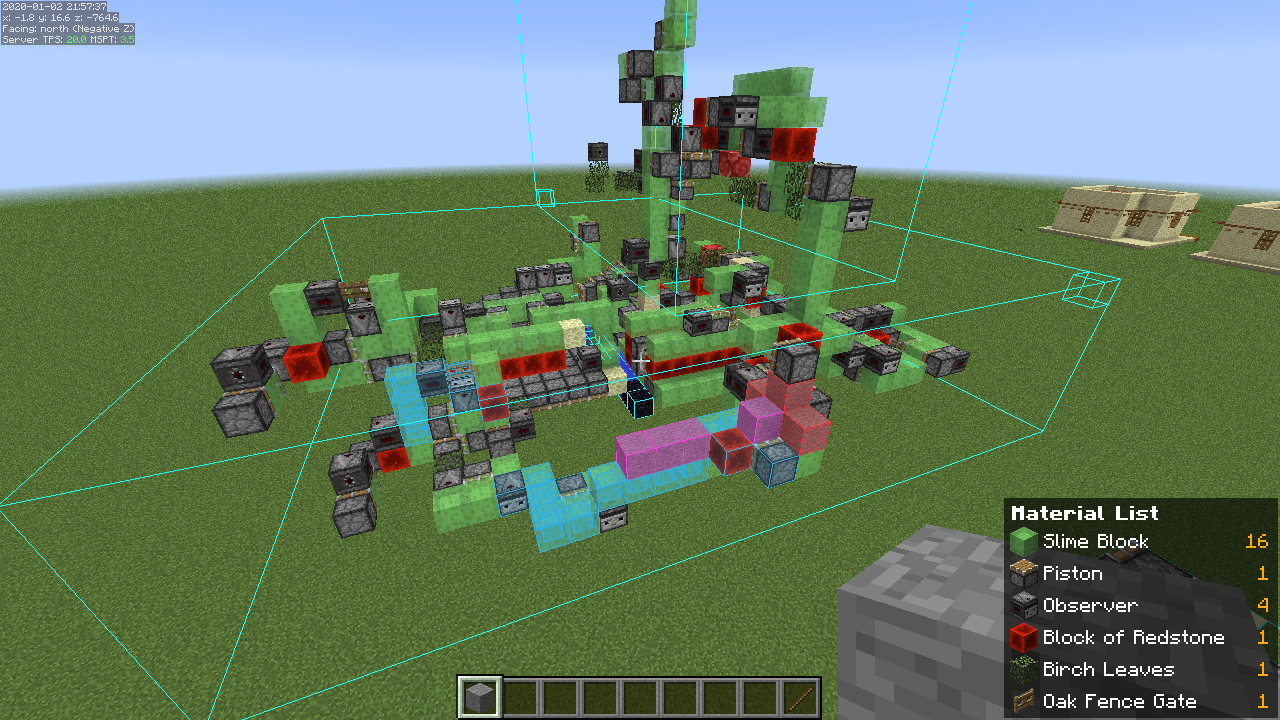
Litematica is a schematic / blueprint mod that helps you build accurately from designs.
Key features:
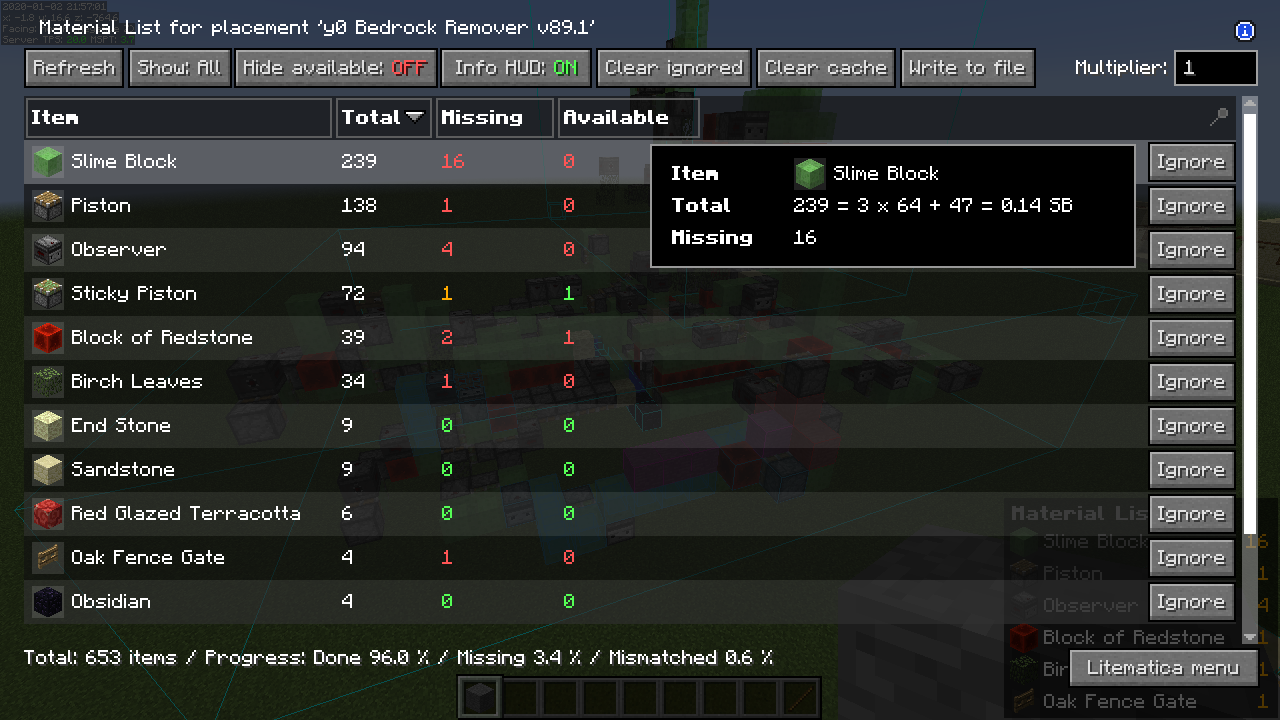
- Material List (shopping list for a schematic)
- Material List HUD
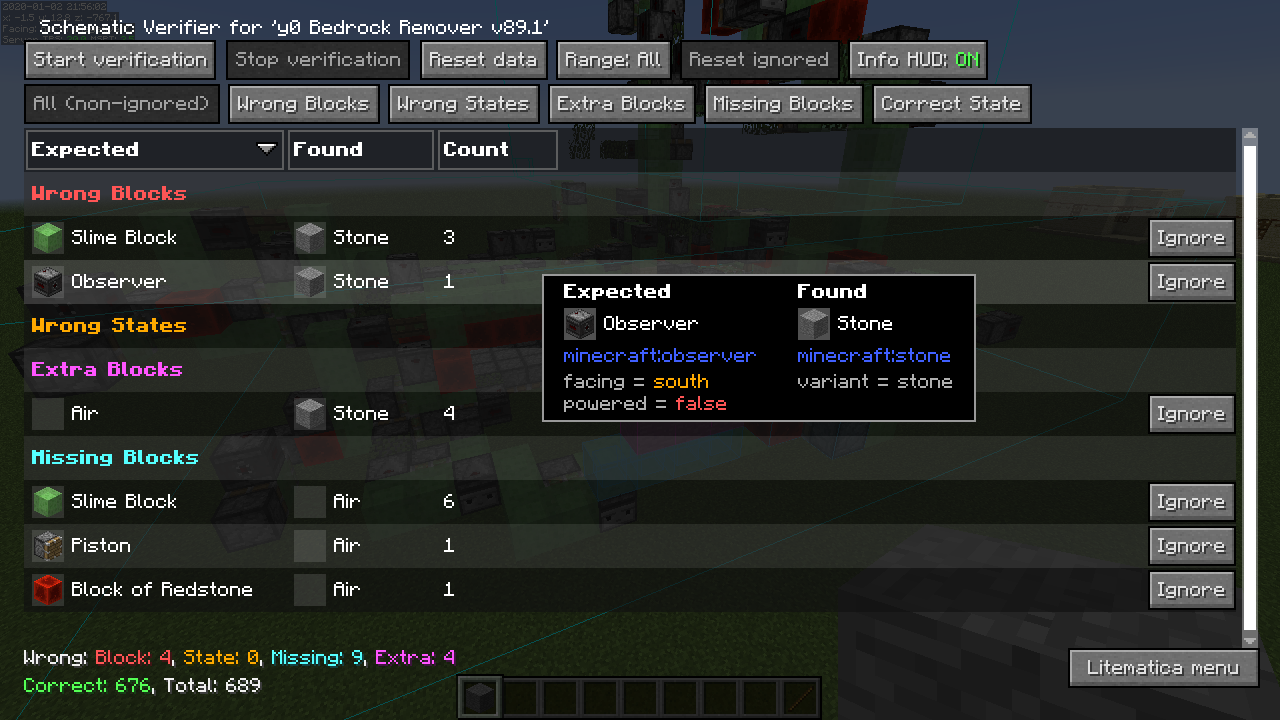
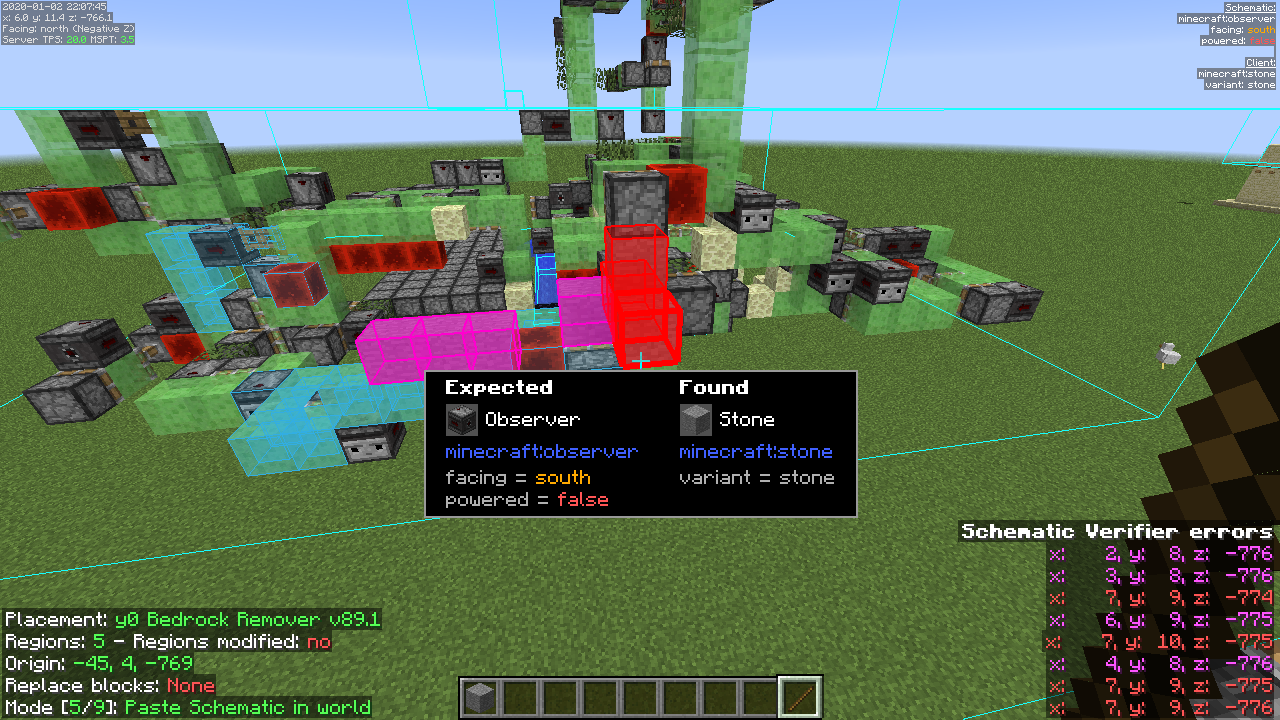
- Schematic Verifier (highlights missing/wrong/extra blocks)
Supports: Fabric, Forge, LiteLoader, Ornithe, Rift
Docs: Limetica documentation
Mod download: Modrinth
Showcase
Video guide
📐 WorldEdit CUI
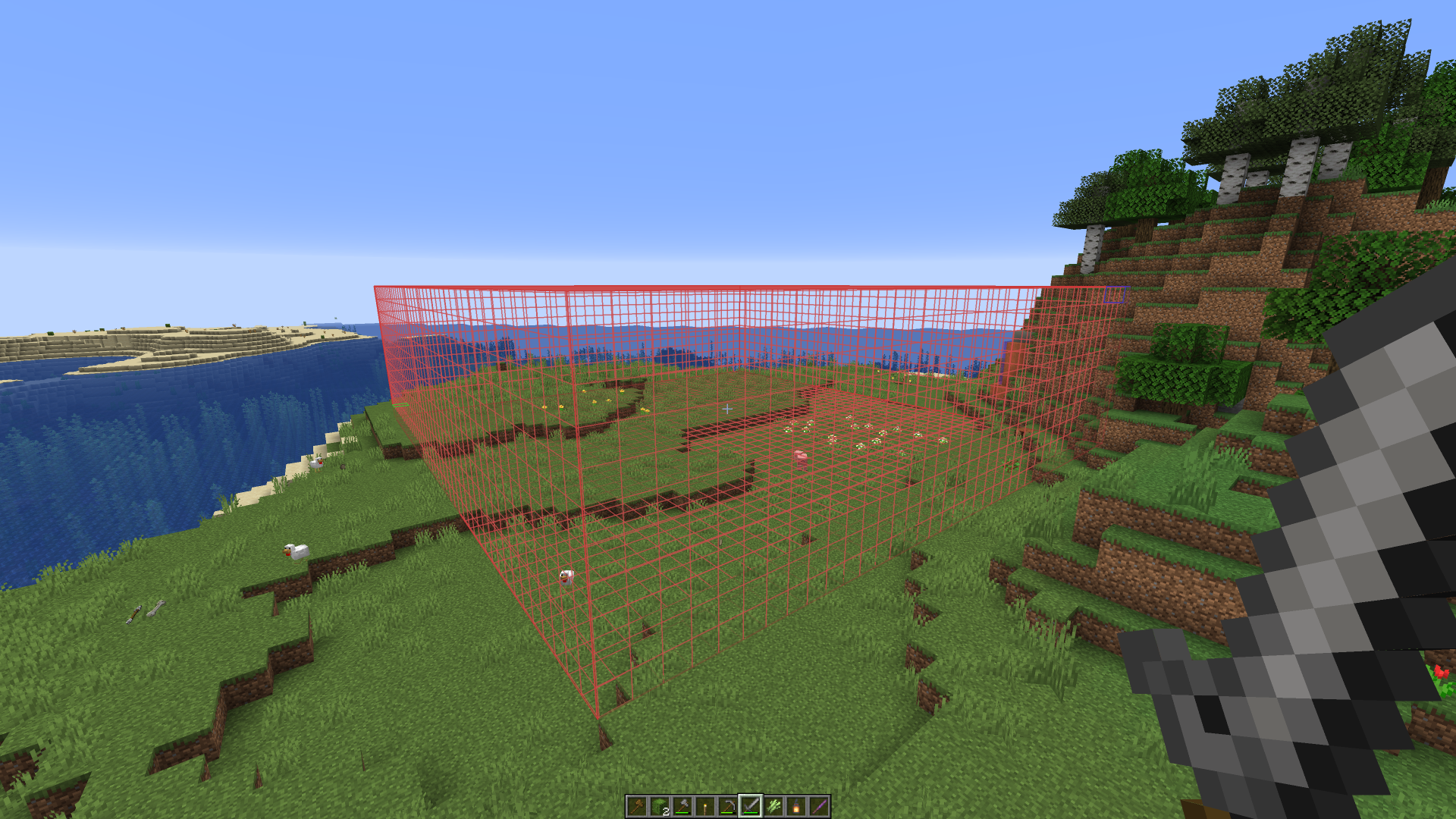
WorldEdit CUI is a visual overlay for WorldEdit selections - it helps you see regions/positions clearly so you don’t accidentally edit the wrong area.
(Important: this is not WorldEdit itself; it’s a frontend/overlay.)
Supports: Fabric
Mod download: Modrinth
Showcase
Video guide
Tips for learning
If you want to learn a mod quickly:
- Start with the mod’s official docs/wiki
- Check the mod’s Discord (usually linked on their pages)
- Search short tutorials on YouTube (keybinds, workflow, best practices)